My cousin got married in Lagos last year and I hadn’t spoken to my uncle there in almost eight months. Partly because I dreaded pulling out my phone and spending $3 a minute on carrier roaming. So I just… didn’t call. That’s a weird kind of loneliness a lot of diaspora folks know well — the guilt of not calling, driven mostly by cost.
That’s how I ended up down a rabbit hole of international calling apps. I tested maybe half a dozen over three weeks — Rebtel, Vonage, Boss Revolution, a couple of sketchy ones I won’t name — before landing on Telz. I’ve been using it for about four months now and it’s the one that stuck. Here’s the full breakdown.
What is Telz and who actually uses it?
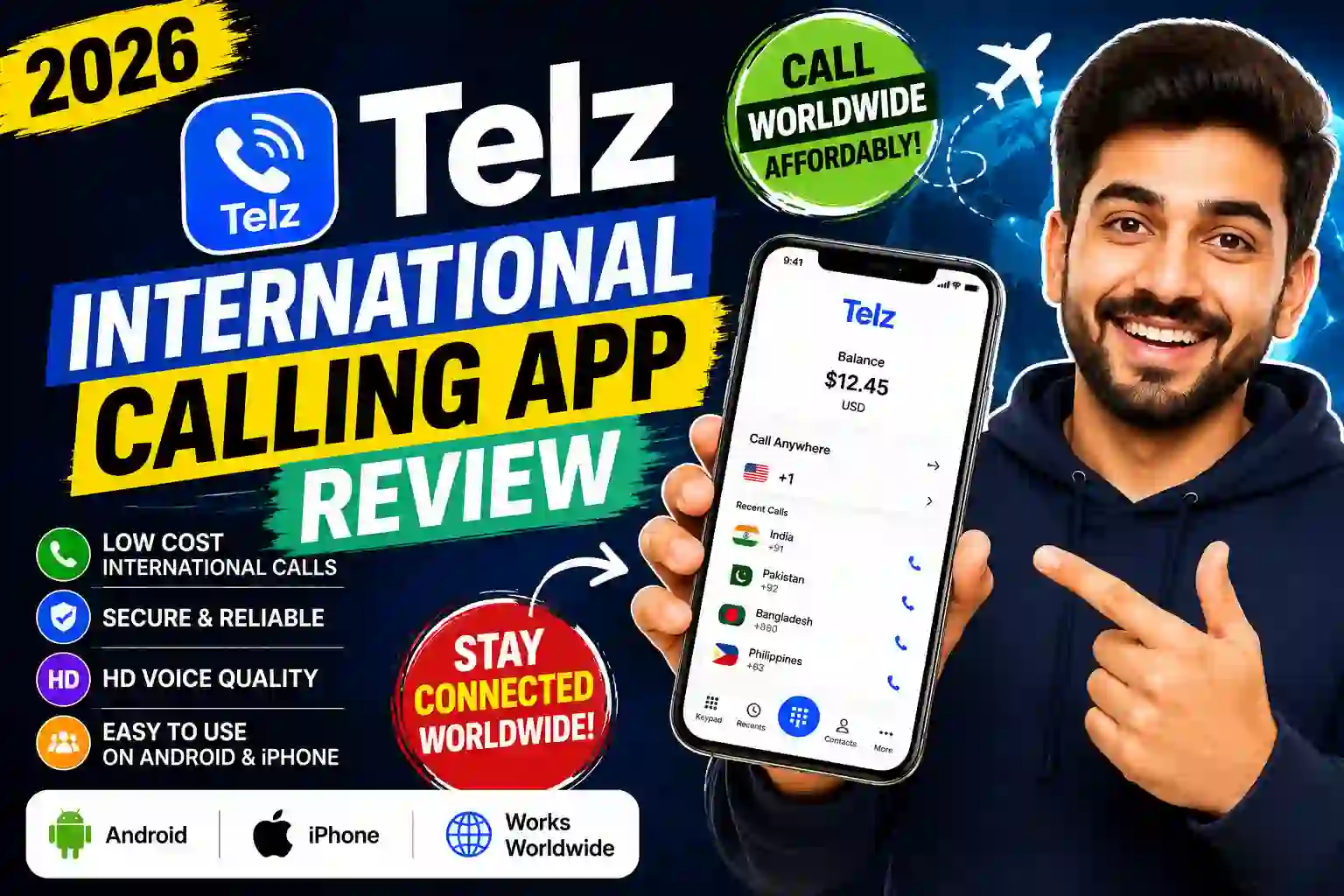
Telz is a VoIP calling app built specifically for cheap international calls. It’s not trying to be WhatsApp or Telegram — there’s no messaging, no video, no social layer. Just calls. And it calls any number in the world, including landlines, which is something a lot of apps completely ignore.
The people who get the most out of it are pretty predictable: expats staying in touch with family back home, international students who need to call embassies or universities abroad, travelers who don’t want to get hit with roaming fees, and small business owners making frequent calls to overseas clients or suppliers.
That’s from an actual user review on the App Store. I’ve had similar moments — calling my aunt in Pakistan for 25 minutes and spending about $0.60. It genuinely feels absurd compared to what carrier roaming used to cost.
How I set it up (and what I got wrong at first)
The setup is genuinely fast. Here’s the flow:
- 1Download the app from the App Store or Google Play — it’s free, no upfront charge.
- 2Register with your phone number or email. Takes under a minute.
- 3You get a welcome bonus automatically — enough to make a few test calls before adding any credit.
- 4Top up your balance via credit card or PayPal. No hidden processing fees on top.
- 5Check the rate before calling — Telz shows the per-minute cost right on screen before you dial.
- 6Dial from your contacts list or type in a number manually with the country code.
Where I went wrong: I didn’t include the country code when dialing manually the first time. I typed the number without the “+” prefix and got a failed call. It deducted nothing (which was fair), but it cost me about 10 minutes of confusion. Once I understood that you always need to use the full international format — like +234 for Nigeria or +92 for Pakistan — everything worked fine.
Common mistake: Skipping the “+” and country code when dialing manually. The app won’t warn you in advance — it’ll just fail. Always use the format: + country code + number, no spaces.
The features that actually matter
Callback mode
Telz calls both phones and bridges you over the regular phone network — works even on 2G or unstable internet.
Call recording
Free, stored locally on your device. Useful for important business calls or conversations you need to reference later.
Real caller ID
Your actual phone number shows up on the recipient’s screen — they know it’s you, not some unknown number.
Proxy / VPN modes
Helps the app work in countries where VoIP is restricted — useful in some Middle Eastern and Southeast Asian regions.
No app on receiver’s end
The person you call doesn’t need Telz or even internet. Call any mobile or landline directly.
Balance never expires
Credit you add doesn’t vanish after 90 days. What you top up is yours until you spend it.
The callback feature is the sleeper hit. When I’m somewhere with spotty WiFi — airports, rural areas, countries with shaky mobile internet — a standard VoIP call stutters or drops. Callback sidesteps the problem entirely. Telz calls your number first, then connects you to the destination through their phone network, not your internet connection. The audio ends up cleaner because the internet is only used for the initial setup, not the actual call audio.
Call quality: honest assessment
Most of my calls to Pakistan, the UK, and Australia have been crystal clear — indistinguishable from a local call. But I’d be lying if I said it’s perfect 100% of the time.
On a couple of occasions calling into Nigeria, there was a faint background hiss for the first 10–15 seconds before it cleared up. One call to a landline in rural India had some digital artifacts. Both times I switched to Callback mode and the quality improved noticeably.
The pattern I’ve noticed: WiFi calls in a stable environment = excellent quality. Mobile data on 3G or worse = sometimes iffy, use Callback. Calls to landlines in remote areas = slightly more variable.
What real users are saying
“All international calls I make through this app are very clear and without any distortion.”
Dora E. — December 2025
“I use it to call Australia for business. Clear, easy to use, no problems, and the money lasts a long time.”
Patricia N. — April 2026
“Be careful. They do not answer messages — I paid $10 for 3 short calls and the balance went to zero.”
John G. — March 2026 (1-star review)
That last one is worth addressing. There have been a handful of reports about balance discrepancies. Telz’s support team did respond publicly asking the user to email them. From what I can tell, these cases are the exception — but it’s a reason to keep an eye on your balance and always check the rate before dialing a number you haven’t called before. Some routes cost more than you’d expect.
Mistakes to avoid
Not checking the per-minute rate first. Calls to certain countries — especially landlines — can be pricier than you expect. Always tap the number to see the rate before you confirm the call.
Using VoIP mode on very slow internet. If you’re on Edge or 2G, switch to Callback mode from the call screen. It makes a real difference in audio quality.
Forgetting the “+” country code prefix. Especially when dialing manually. The app pulls from your contacts correctly, but typing numbers from scratch requires the full international format.
Not enabling auto top-up if you call frequently. Running out of credit mid-conversation is annoying. Telz has an optional auto top-up feature — worth turning on if you use it regularly.
The honest pros and cons
- Rates among the lowest available
- Callback mode for unreliable internet
- No internet needed on receiver’s end
- Free call recording built in
- Balance doesn’t expire
- Works with landlines worldwide
- Real caller ID shown
- Clean, unfussy interface
- Quality dips on weak connections
- Some balance issue reports (rare)
- Customer support can be slow
- No messaging or video features
- VoIP blocked in some countries
Is it worth it in 2026?
If your situation is anything like mine — calling family or doing business internationally, from an Android or iPhone, tired of WhatsApp failing when the WiFi is bad or your contacts don’t have smartphones — then yes, Telz is genuinely worth trying.
The free welcome bonus means there’s literally zero risk to testing it. Download the app, get your free minutes, and make a call. If the quality is good enough for your needs, top up a few dollars. Your balance will last longer than you expect.
It’s not a perfect app. The support team could be faster, and the balance issue that some users reported is something to watch. But for the price, the reliability, and the sheer convenience of calling any landline or mobile anywhere in the world without the person needing any app at all — it’s a strong choice.
Compared to burning $3/minute on carrier roaming, fighting with Skype’s clunky interface, or WhatsApp dropping calls every time the connection wobbles — Telz quietly does what it promises. And sometimes that’s more than enough.
That review — from an App Store user — is why Telz exists. For people who need to bridge the gap between modern smartphones and older relatives with landlines, it’s close to irreplaceable right now.
Quick verdict
Best for expats, international students, travelers, and anyone calling landlines abroad. Download free at telz.com or search Telz on the App Store / Google Play. Requires Android 6.0+ or iOS.