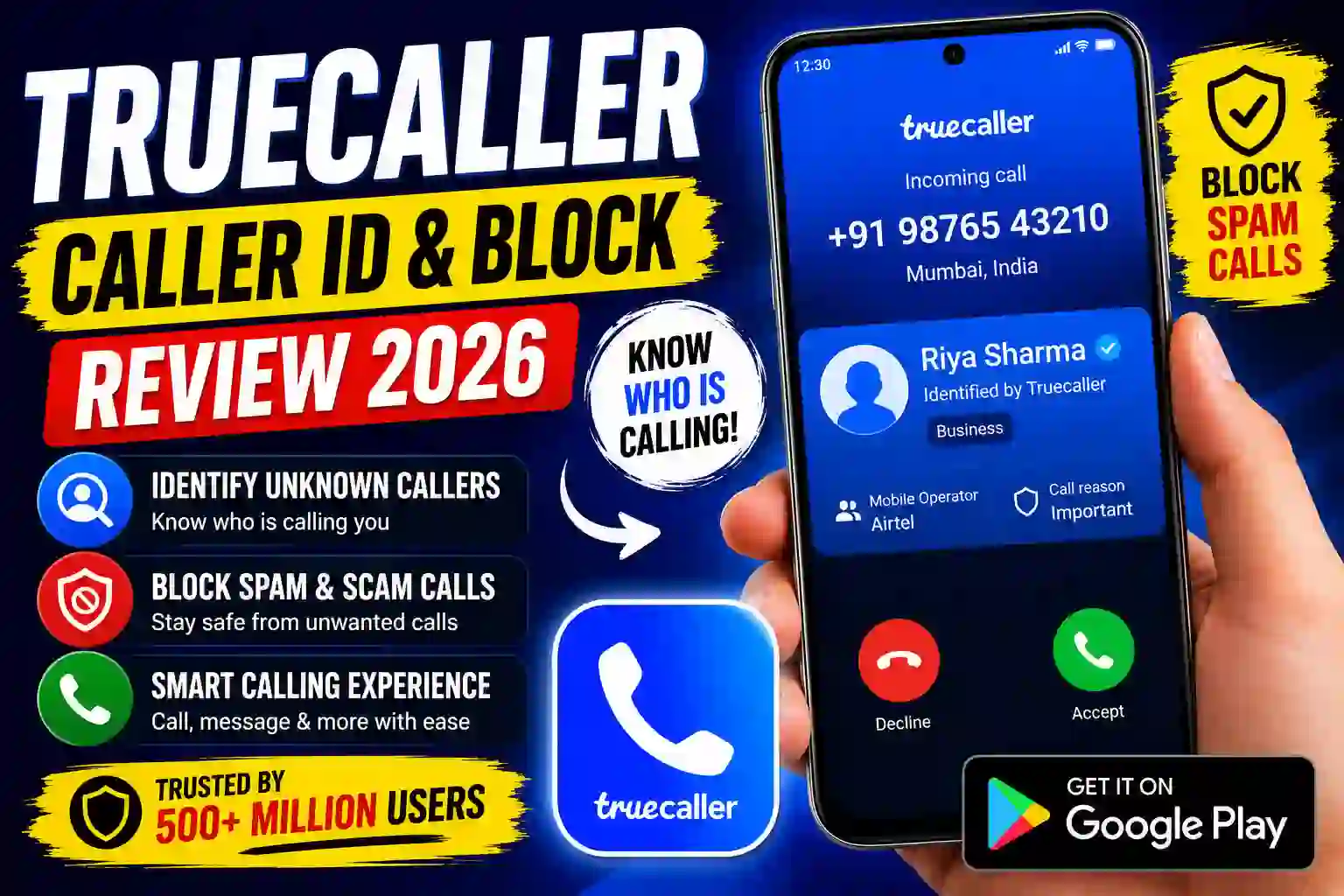
My phone rang at 11:47 PM on a Tuesday. Unknown number. I answered — half asleep — and spent the next four minutes listening to a recorded voice tell me my “SIM card would be suspended.” Classic. A friend watching me suffer through it the next morning said, “Dude, just use Truecaller.” I’d heard of it. I’d been putting it off. That week I finally installed it, and I haven’t had a spam call catch me off-guard since.
That was back in late 2022. Now, three years and two phones later, I’m still using it — but the app has changed a lot, and not all of it in ways I’d call improvements. Here’s the full picture, no sugarcoating.
What Truecaller actually does (beyond the obvious)
Most people think of Truecaller as “the app that tells you who’s calling.” That’s true, but it’s doing a lot more under the hood. It cross-references incoming numbers against a massive crowdsourced database — reportedly over 400 million users contributing data — and tags callers in real time before your phone even fully rings.
The SMS filtering genuinely surprised me. I stopped manually sifting through OTPs, bank alerts, and “Congratulations you’ve won!” texts. Truecaller sorts them into tabs automatically. Not perfect, but good enough that I noticed the difference within a day.
Setting it up — what they don’t tell you
Installing Truecaller is straightforward. What’s not straightforward is understanding which permissions you’re granting and why. Here’s what the setup actually looks like, and the decisions worth thinking through:
Missed this in setup: By default, Truecaller adds you to their public directory. If you want to keep your name off it, go to Profile → Privacy → Deactivate Account, which removes your data from their servers. You can still use the app after reactivating without being listed.
The privacy question — let’s be honest about it
I’d be doing you a disservice if I skipped this. Truecaller’s entire value proposition relies on data. Your contacts get uploaded (in anonymized/hashed form, they say), and that’s how the database grows. This makes a lot of people uncomfortable — reasonably so.
Here’s my honest take after using it for years: the trade-off is real, and it’s a personal call. If you’re in a region where spam calls are a daily menace — Pakistan, India, Nigeria, Brazil — the protection is often worth it. If you’re in a country where your mobile number is connected to sensitive government services or financial accounts, you might want to be more cautious about having your name in a searchable directory.
Practical tip: Check if your number is already in the Truecaller database before deciding. Visit truecaller.com and search your own number. If it’s already there (uploaded by someone who had you in their contacts), installing Truecaller and controlling your own profile entry is arguably better than having no control at all.
Spam protection — how well does it actually work?
This is the thing most people care about, so let me give you real numbers from my own experience over three years of active use:
The spam blocking is genuinely excellent for high-volume nuisance calls. Where it struggles is with spoofed numbers — callers who rotate through numbers to avoid being flagged. These still slip through occasionally. Also, if a spammer uses a fresh number that hasn’t been reported yet, Truecaller won’t catch it until other users flag it.
I’ve had maybe two or three legitimate calls blocked incorrectly in three years. Both were small businesses calling from numbers someone else had previously reported. I added them to my whitelist and it hasn’t happened again.
Free vs Premium — what you actually get
The free version is genuinely useful. Don’t let anyone pressure you into Premium if you just want basic spam protection. Here’s the honest breakdown:
Personally, I’ve never paid for Premium. The ads are annoying but bearable, and Ghost Mode isn’t something I need day-to-day. If you work in a role where people frequently look up your number — sales, real estate, recruiting — then Premium’s “who viewed your profile” feature might actually be useful intel worth paying for.
Mistakes I made (so you don’t have to)
Forgetting to reset the default dialer after switching phones. When I got a new phone, I forgot to set Truecaller as the default dialer again. Spent two weeks wondering why caller ID wasn’t showing up properly. If the app seems slow or broken, check this first.
Ignoring the whitelist. A courier company kept getting blocked because their number had been flagged by someone else. Instead of adding them to my whitelist, I just answered unknown calls again for a week. Took me embarrassingly long to remember whitelisting was a thing.
Not checking my own profile. I didn’t know what name and photo Truecaller was showing for my number until a friend mentioned it looked outdated. Log into your profile and update it — especially if your name is displayed incorrectly or if there’s a photo you didn’t put there.
Spam sensitivity too high out of the gate. The default setting felt great — until my bank’s OTP SMS got filtered as spam. Dial it back to Low initially, let it learn, then increase if you’re still getting too much junk through.
Worth knowing on iOS: If you switch from Android to iPhone, expect a noticeable downgrade in Truecaller functionality. Apple’s CallKit doesn’t allow the same real-time interception. The app still works, but the magic is noticeably reduced.
Downloading in 2026 — what to know
One thing worth noting for 2026: Truecaller has expanded its AI-powered features. The latest Android versions include a call screening feature that answers calls on your behalf and transcribes what the caller says before you decide to pick up — similar to what Google Pixel has had for years. It works surprisingly well for filtering out scam calls without you ever having to touch your phone.
The UI has also been redesigned — cleaner, faster, with a revamped inbox that feels closer to a proper messaging app. The call recording feature, where legally allowed, has also improved with better audio quality and automatic cloud backup for Premium users.
On iOS, you’re still limited compared to Android. Apple’s CallKit API restricts what third-party apps can do with incoming calls. Truecaller on iPhone can identify numbers in your call log after the fact and block known spammers — but the real-time identification that Android users get is still not fully available. Worth knowing before you switch ecosystems.
The verdict
Truecaller in 2026 is still the best caller ID and spam protection app available for most people. It’s not perfect — the privacy trade-off is real and worth understanding — but for the sheer volume of spam calls it catches, nothing else comes close at the free tier.
If you get more than two or three spam calls a week, install it. Go through the privacy settings carefully during setup, check your profile page, and set your spam sensitivity to Low initially. You can always increase it later if spam slips through.
For iOS users, manage your expectations. It’s useful, just not as powerful as on Android. For Android users — especially on mid-range phones that don’t come with Google’s built-in spam protection — Truecaller is a genuine upgrade to your daily experience.
Three years ago I answered a robocall at midnight. These days my phone barely rings with spam, and when it does, I already know to ignore it before I even look at the screen. That kind of quiet, boring reliability is exactly what a good utility app should deliver.